bruce119
Member
I recently changed form I.E. to Chrome now my WYSIWYG editing ability is gone.
I have screen shots to help explain.
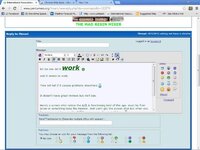
Here is I.E. notice in the text box above the smiley's there is the spell check and the A/A and the color, size, font changes as I type (no coding) the 2nd shot shows I have WYSIWYG selected in my control panel.
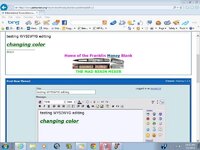
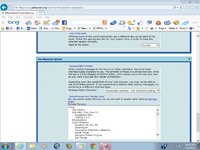
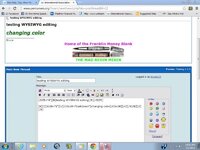
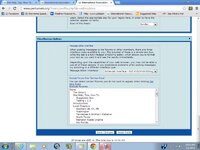
Now here is Chrome you can see the spell check and the A/A is not there and when I change size,color, font I get all the cluttered coding. What am I doing wrong. The 2nd shot shows my control panel is selected for WYSIWYG.
Any tips or tricks.
Thanks
I have screen shots to help explain.
Here is I.E. notice in the text box above the smiley's there is the spell check and the A/A and the color, size, font changes as I type (no coding) the 2nd shot shows I have WYSIWYG selected in my control panel.
Now here is Chrome you can see the spell check and the A/A is not there and when I change size,color, font I get all the cluttered coding. What am I doing wrong. The 2nd shot shows my control panel is selected for WYSIWYG.
Any tips or tricks.
Thanks
Last edited: